Points + Image

Desktop
Tablet
Mobile

Points + Image - Desktop Version

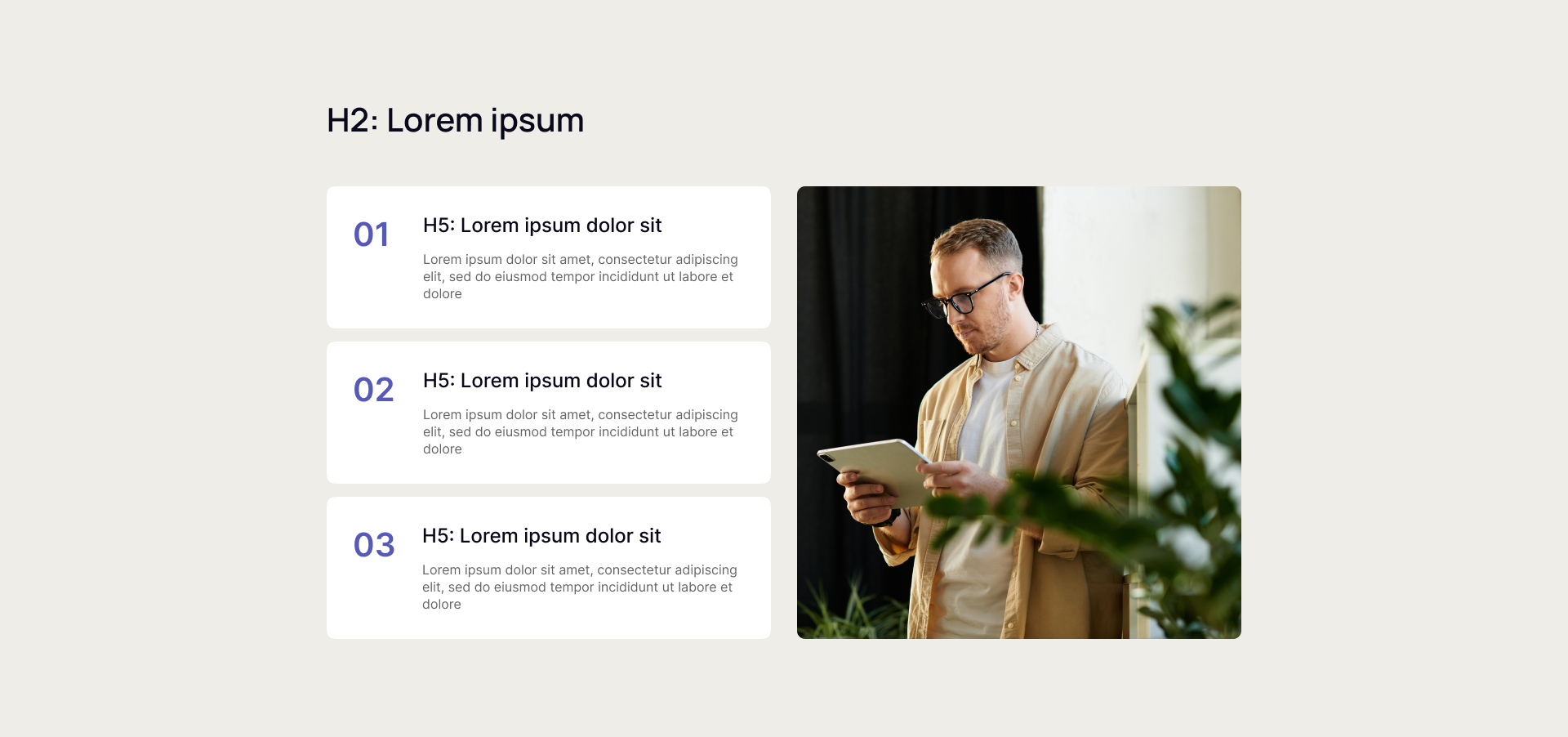
This block features a main headline (H2) at the top, with three cards aligned on the left side. Each card includes an H5 heading paired with a brief descriptive text, while the right side of the block displays a large supporting image.


Users can apply this template to present multiple related points, features, or benefits in a structured and visually distinctive way, using the vertical strips to organize information clearly and the image to reinforce or exemplify the content.


Now you can see how this block will look in the desktop version.


points-desktop

Points + Image - Tablet Version

This block features a main headline (H2) at the top, with three cards aligned on the left side. Each card includes an H5 heading paired with a brief descriptive text, while the right side of the block displays a large supporting image.


Users can apply this template to present multiple related points, features, or benefits in a structured and visually distinctive way, using the vertical strips to organize information clearly and the image to reinforce or exemplify the content.


Now you can see how this block will look in the tablet version.

points-tablet

Points + Image - Mobile Version

This block features a main headline (H2) at the top, with three cards aligned on the left side. Each card includes an H5 heading paired with a brief descriptive text, while the right side of the block displays a large supporting image.


Users can apply this template to present multiple related points, features, or benefits in a structured and visually distinctive way, using the vertical strips to organize information clearly and the image to reinforce or exemplify the content.


Now you can see how this block will look in the mobile version.

points-mob