Lorem ipsum dolor sit amet, consectetur adipiscing elit, sed do eiusmod tempor incididunt ut labore
Pop-up Form
Desktop
Tablet
Mobile
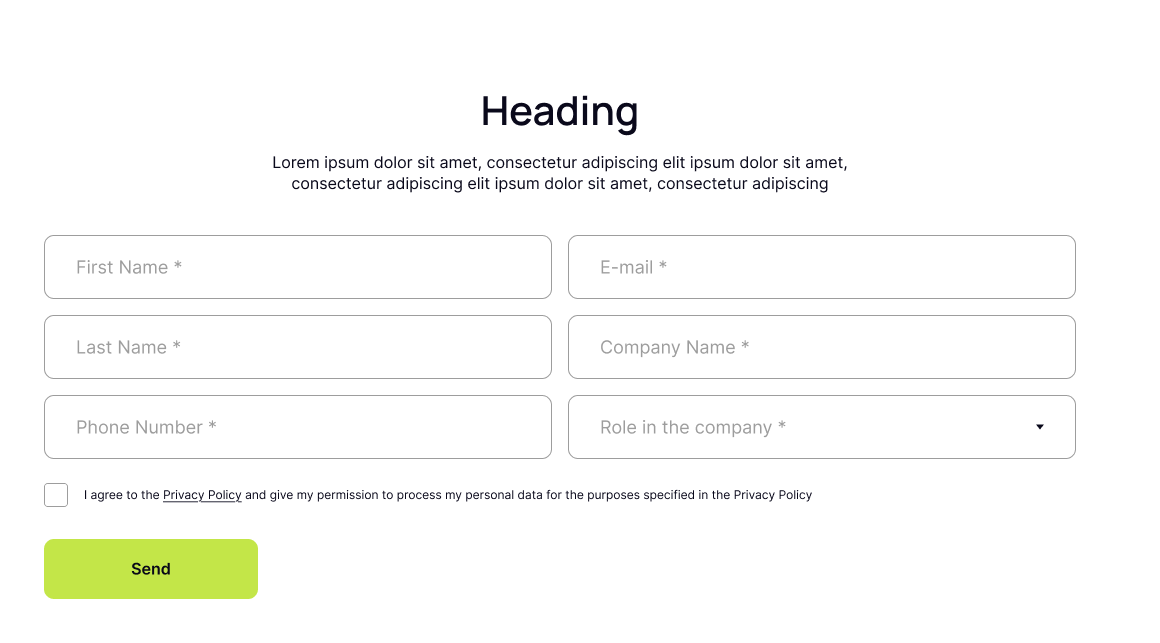
Pop-up Form - Desktop Version
This popup features a main headline (H2) followed by a smaller subheading (H5) and descriptive text to introduce the purpose of the form. It also includes a photo of an employee along with their name and role, adding a personal and trustworthy touch. Below this, users find a form to fill out and a clearly visible submit button.
Now you can see how this block will look in the desktop version.
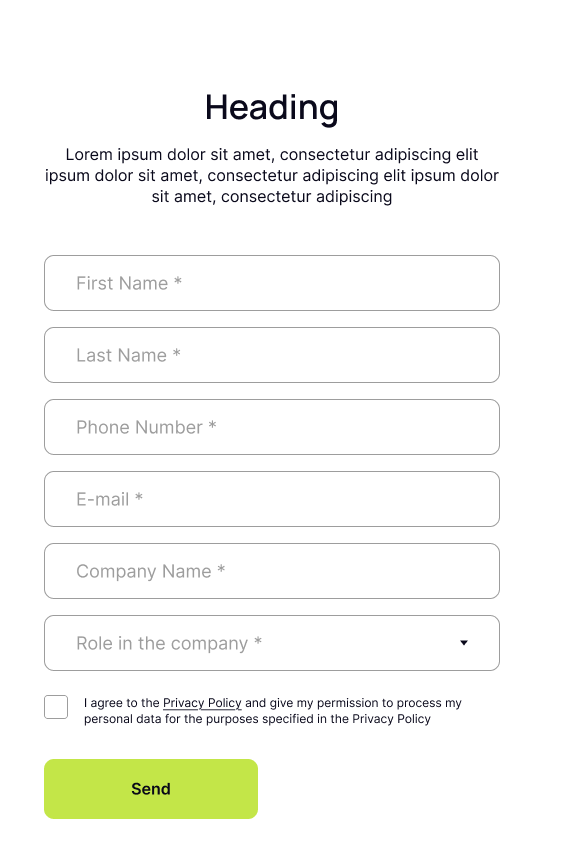
Pop-up Form - Tablet Version
This popup features a main headline (H2) followed by a smaller subheading (H5) and descriptive text to introduce the purpose of the form. It also includes a photo of an employee along with their name and role, adding a personal and trustworthy touch. Below this, users find a form to fill out and a clearly visible submit button.
Now you can see how this block will look in the tablet version.
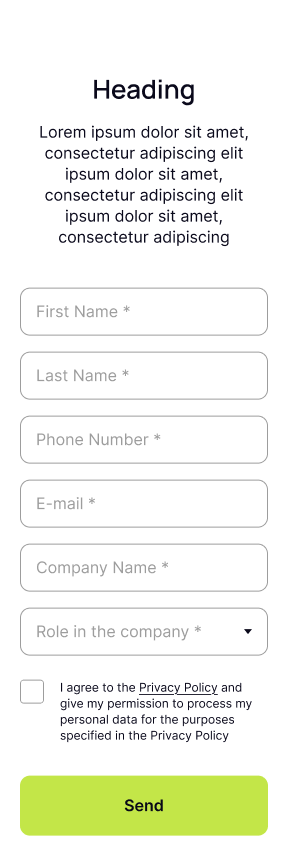
Pop-up Form - Mobile Version
This popup features a main headline (H2) followed by a smaller subheading (H5) and descriptive text to introduce the purpose of the form. It also includes a photo of an employee along with their name and role, adding a personal and trustworthy touch. Below this, users find a form to fill out and a clearly visible submit button.
Now you can see how this block will look in the mobile version.