Steps Line

Desktop
Tablet
Mobile

Steps Line - Desktop Version

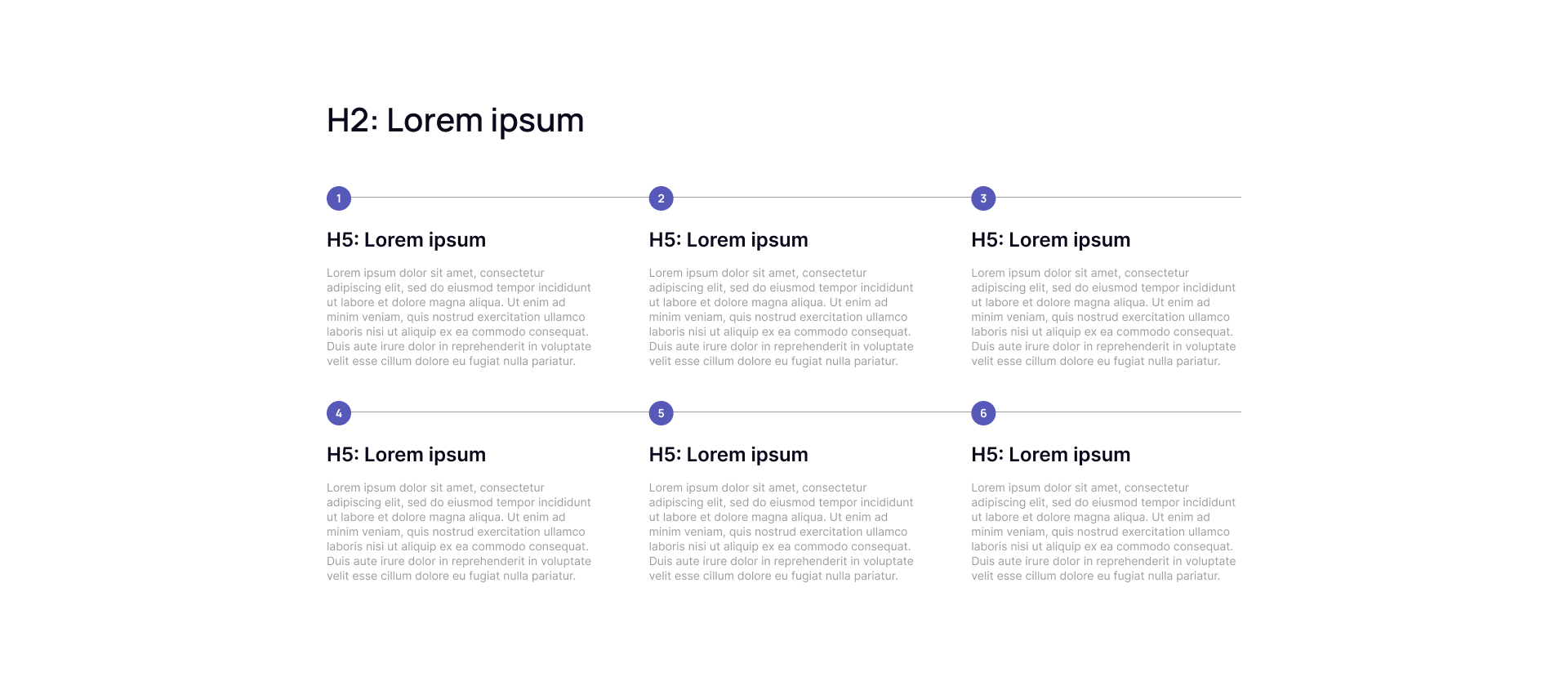
This template features a main headline (H2) followed by six text blocks displayed in a grid of two rows and three columns. Each block includes a subheading (H5), descriptive text, and a prominent number signifying the step or stage in a process or sequence.


Users can use this template to clearly illustrate workflows, step-by-step guides, project phases, or any multi-stage processes where organizing information in numbered increments helps guide the audience’s understanding.


Now you can see how this block will look in the desktop version.


steps-desktop

Steps Line - Tablet Version

This template features a main headline (H2) followed by six text blocks displayed in a grid of two rows and three columns. Each block includes a subheading (H5), descriptive text, and a prominent number signifying the step or stage in a process or sequence.


Users can use this template to clearly illustrate workflows, step-by-step guides, project phases, or any multi-stage processes where organizing information in numbered increments helps guide the audience’s understanding.


Now you can see how this block will look in the tablet version.

steps-tablet

Steps Line - Mobile Version

This template features a main headline (H2) followed by six text blocks displayed in a grid of two rows and three columns. Each block includes a subheading (H5), descriptive text, and a prominent number signifying the step or stage in a process or sequence.


Users can use this template to clearly illustrate workflows, step-by-step guides, project phases, or any multi-stage processes where organizing information in numbered increments helps guide the audience’s understanding.


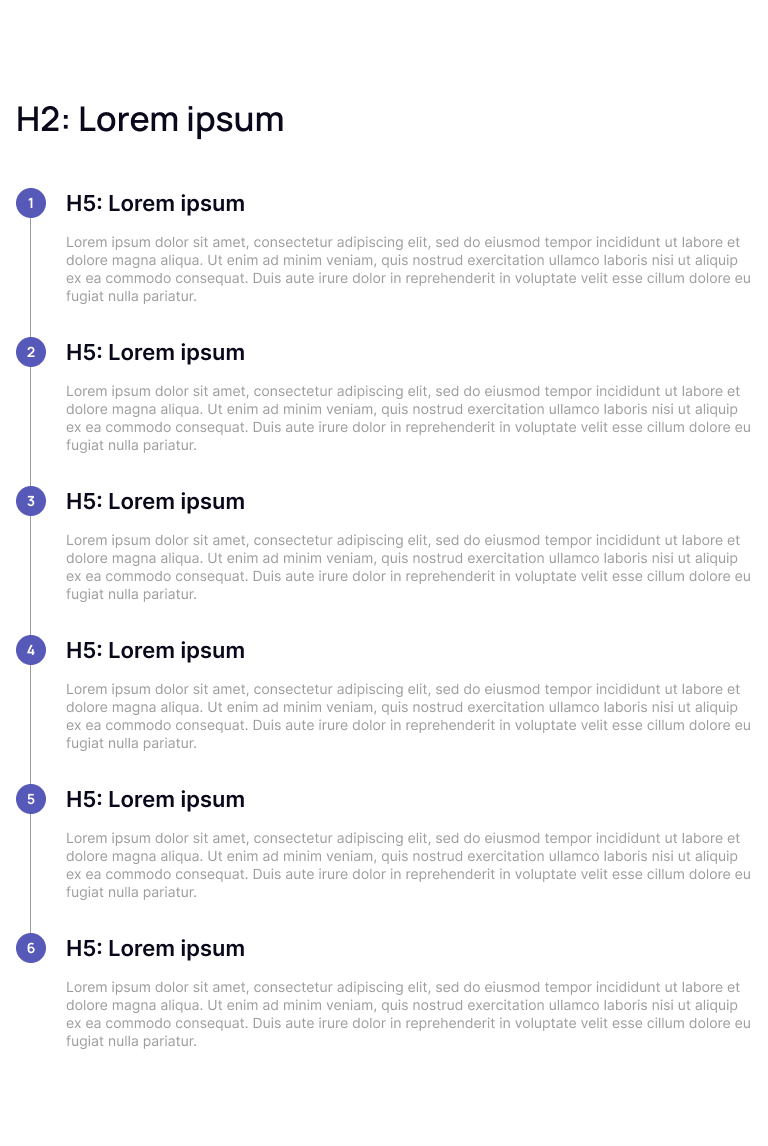
Now you can see how this block will look in the mobile version.

steps-mob