Text + Button

Desktop
Tablet
Mobile

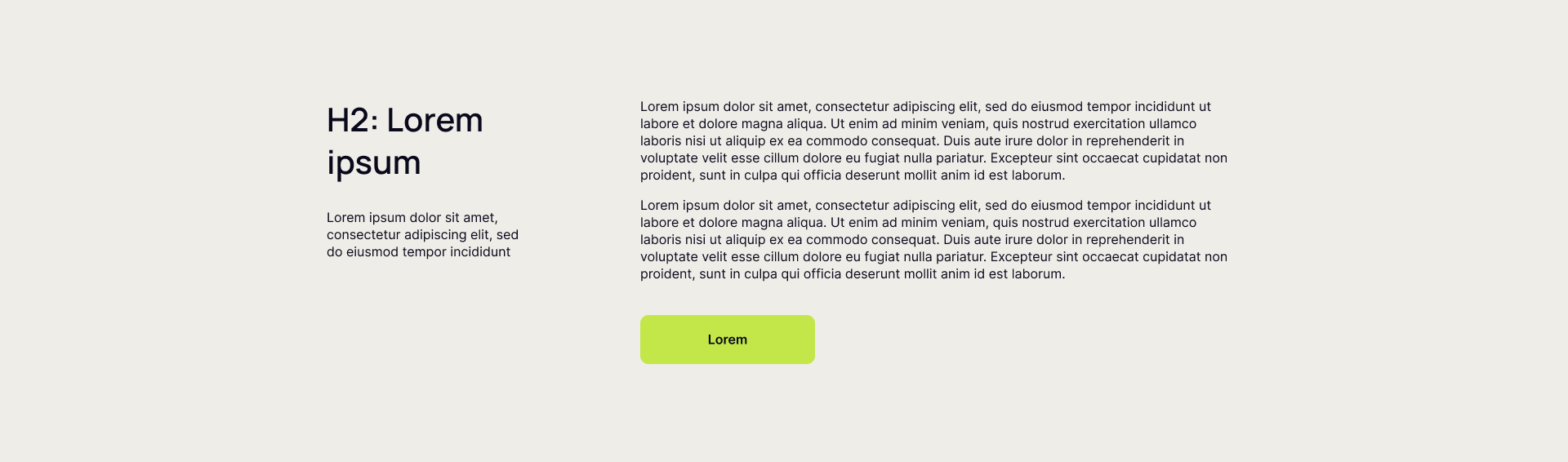
Text + Button - Desktop Version

This block offers a two-column layout ideal for presenting a headline and introductory text on the left, paired with additional supporting information and a clear call-to-action button on the right. The left column features an H2 heading and descriptive text to introduce a topic, product, or service, establishing context and capturing interest.


The right column provides space for two paragraphs of detailed explanatory or persuasive content, which can elaborate benefits, features, or next steps, followed by a prominent button designed to drive user interaction—such as signing up, requesting a demo, or making a purchase.


Now you can see how this block will look in the desktop version.


text-button-desktop

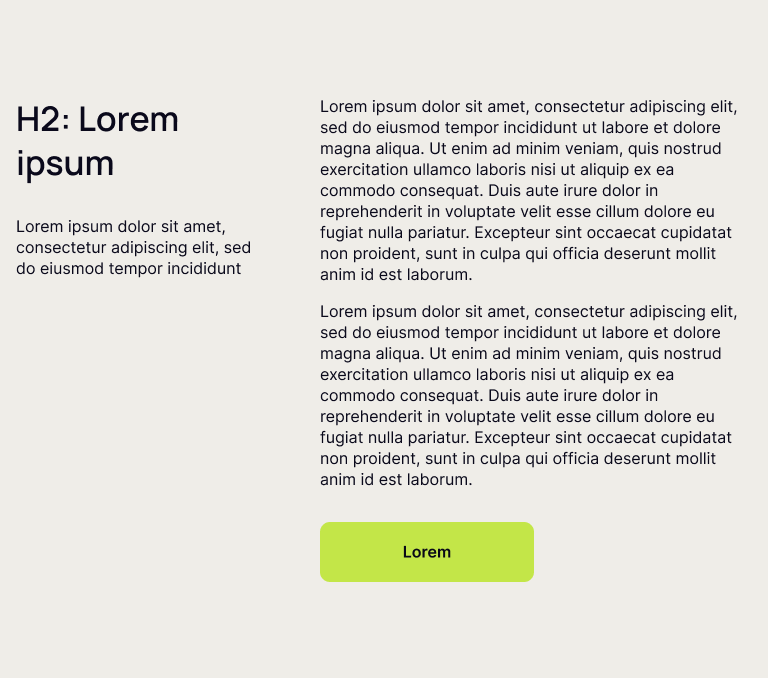
Text + Button - Tablet Version

This block offers a two-column layout ideal for presenting a headline and introductory text on the left, paired with additional supporting information and a clear call-to-action button on the right. The left column features an H2 heading and descriptive text to introduce a topic, product, or service, establishing context and capturing interest.


The right column provides space for two paragraphs of detailed explanatory or persuasive content, which can elaborate benefits, features, or next steps, followed by a prominent button designed to drive user interaction—such as signing up, requesting a demo, or making a purchase.


Now you can see how this block will look in the tablet version.

text-button-tablet

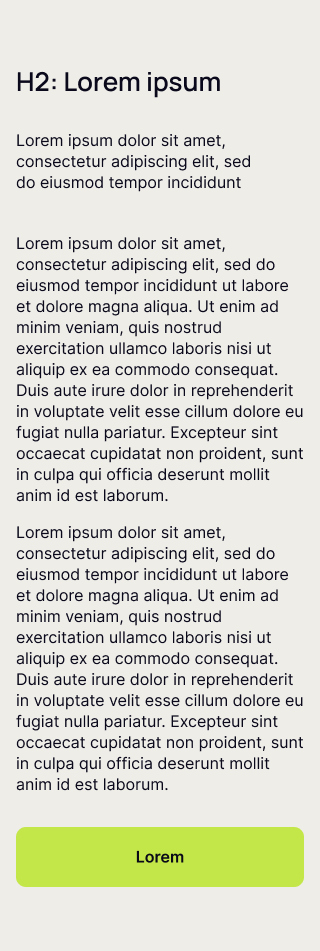
Text + Button - Mobile Version

This block offers a two-column layout ideal for presenting a headline and introductory text on the left, paired with additional supporting information and a clear call-to-action button on the right. The left column features an H2 heading and descriptive text to introduce a topic, product, or service, establishing context and capturing interest.


The right column provides space for two paragraphs of detailed explanatory or persuasive content, which can elaborate benefits, features, or next steps, followed by a prominent button designed to drive user interaction—such as signing up, requesting a demo, or making a purchase.


Now you can see how this block will look in the mobile version.

text-button-mob