Timeline

Desktop
Tablet
Mobile

Timeline - Desktop Version

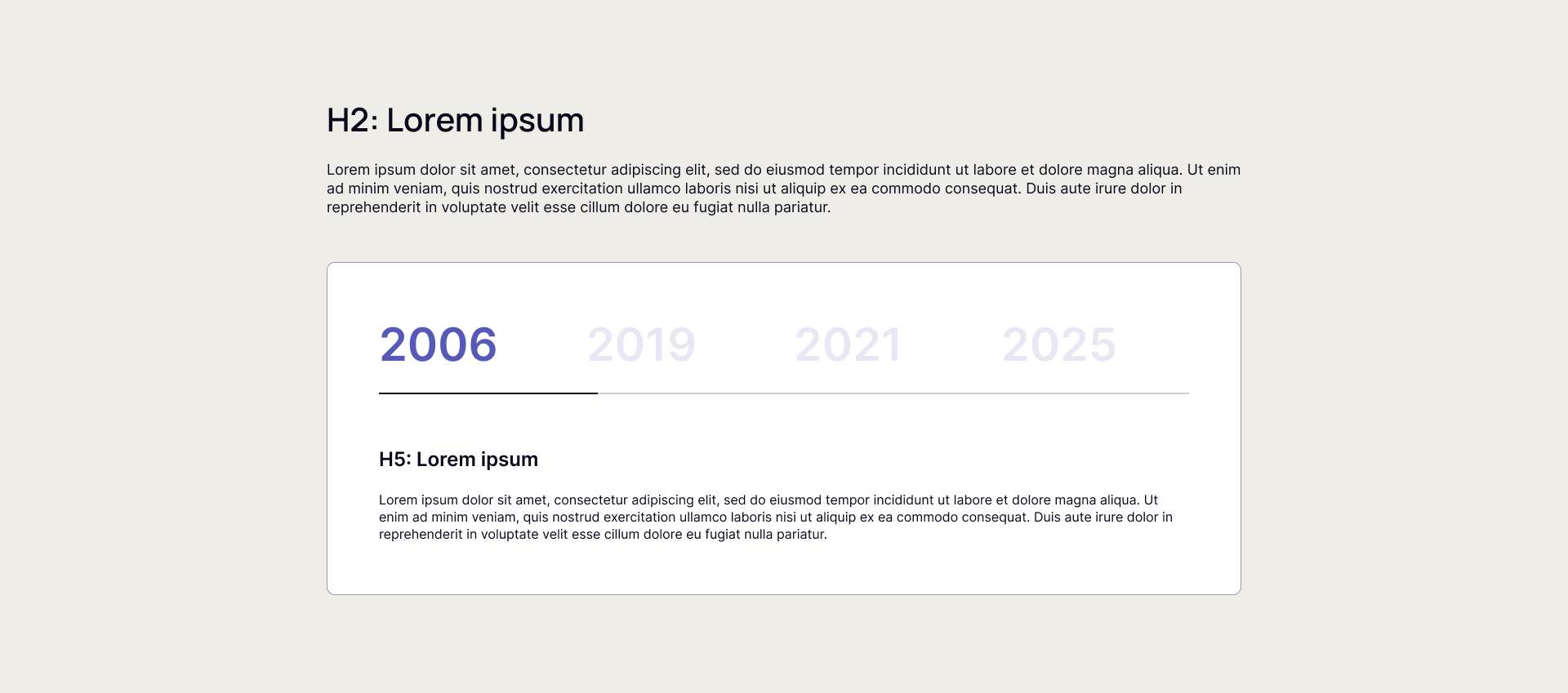
This block includes a main headline (H2) and a descriptive paragraph above a tabbed section that allows users to switch between different content blocks organized by year. Each tab prominently displays the year as a large label, and inside each tab, there is an H5 heading alongside a paragraph of text describing achievements, milestones, or developments for that year.


Users can leverage this template to effectively showcase the company’s or product’s progress, growth, and key moments over time in an engaging, chronological way.


Now you can see how this block will look in the desktop version.


timeline-desktop

Timeline - Tablet Version

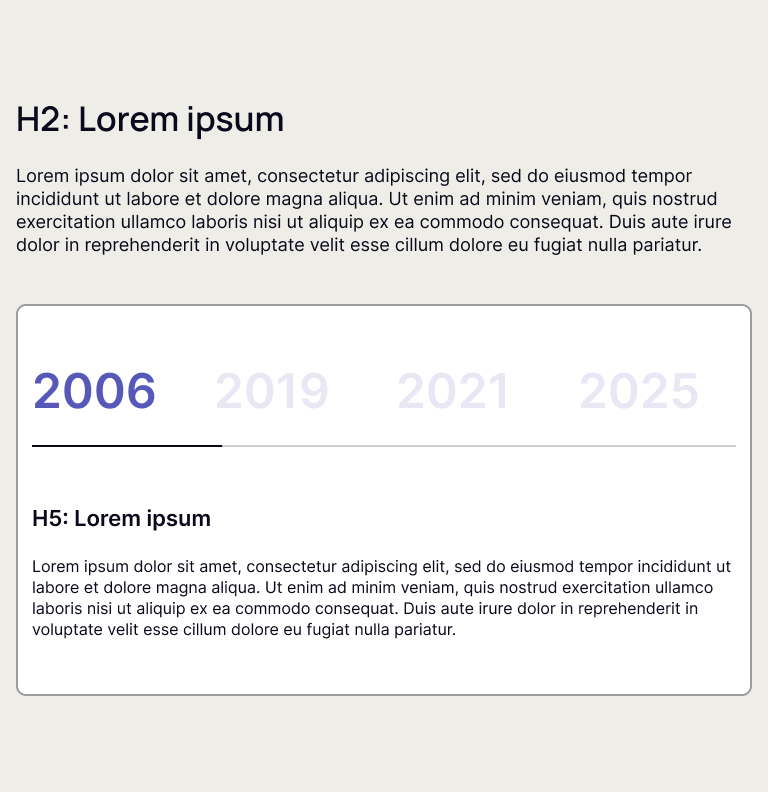
This block includes a main headline (H2) and a descriptive paragraph above a tabbed section that allows users to switch between different content blocks organized by year. Each tab prominently displays the year as a large label, and inside each tab, there is an H5 heading alongside a paragraph of text describing achievements, milestones, or developments for that year.


Users can leverage this template to effectively showcase the company’s or product’s progress, growth, and key moments over time in an engaging, chronological way.


Now you can see how this block will look in the tablet version.

timeline-tablet

Timeline - Mobile Version

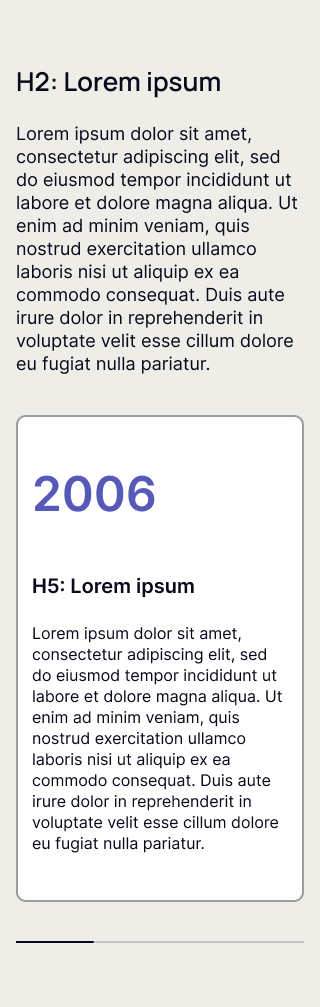
This block includes a main headline (H2) and a descriptive paragraph above a tabbed section that allows users to switch between different content blocks organized by year. Each tab prominently displays the year as a large label, and inside each tab, there is an H5 heading alongside a paragraph of text describing achievements, milestones, or developments for that year.


Users can leverage this template to effectively showcase the company’s or product’s progress, growth, and key moments over time in an engaging, chronological way.


Now you can see how this block will look in the mobile version.

timeline-mob